Fine-tune a model native to your product
Improve your agent's domain behavior, tool-use reliability, and response style with fine-tunes that deploy back to the same inference path. Serve them on Dedicated GPUs, through the same OpenAI-compatible API.
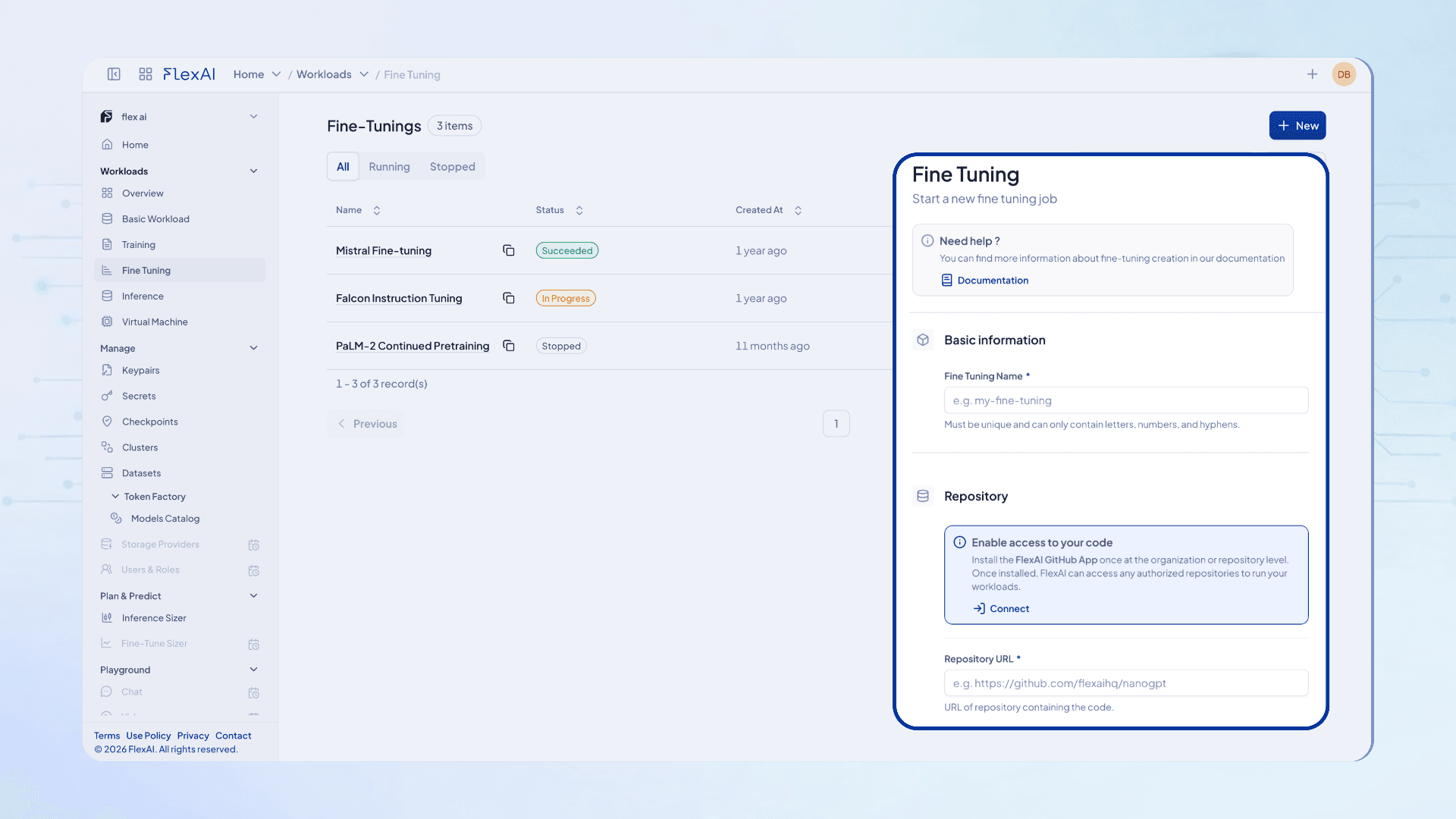
From your data to a dedicated endpoint
Push data, run the job, pick a checkpoint, serve. Deploy from the console or CLI; here it is in four CLI commands.
- 01
Push your data
Upload a dataset once. It is versioned and mounted read-only into every run.
flexai dataset push support-tickets --file ./tickets - 02
Run the job
Your training code from your repo, on 8 GPUs, starting from a Hugging Face base model.
flexai training run support-sft \ --dataset support-tickets --accels 8 \ --repository-url https://github.com/your-org/recipes \ -- train.py --model=<base-model> --out_dir=/output-checkpoint - 03
Pick a checkpoint
List the checkpoints the run saved and choose the one to ship.
flexai training checkpoints support-sft - 04
Serve it
A dedicated endpoint on the same OpenAI-compatible API, scaling from zero to four replicas.
flexai inference serve support-assistant \
  --checkpoint <checkpoint-id> --accels 2 \
  --min-replicas 0 --max-replicas 4 \
  -- --model=<base-model>
The endpoint runs on Dedicated GPUs. Every command is in the CLI reference.
What a run supports
- Start from open, gated or your own models, or a checkpoint
- SFT, LoRA, QLoRA and full fine-tuning
- GRPO and DAPO recipes for reinforcement learning
- Your code with Axolotl, LlamaFactory, TRL or DeepSpeed
- Data by upload, S3, GCS, R2 or Hugging Face, versioned and mounted read-only
- Secrets injected at runtime
- 1 GPU to multi-node, 8 GPUs per node, on NVIDIA and AMD
- Checkpoints and resume, with logs and TensorBoard
See it in practice: LegML fine-tuned a 32B legal LLM that outperformed a frontier model with 50% fewer parameters. Read all the case studies.
Production ready blueprints
Run your first fine-tune
What you can fine-tune on
The same supported matrix as the rest of the platform: pick the framework your recipe already uses and the accelerator it should land on.
- Accelerators
- NVIDIAAMD
- Architectures
- CUDAROCm
- Precisions
- FP8NVFP4MXFP4BF16FP16FP32
- Inference engines
- vLLMSGLangTritonCustom
- Fine Tuning & Training
- PyTorchAxolotlLlamaFactoryTRLDeepSpeed
- Observability & Tools
- GrafanaPrometheusTensorBoardWeights & Biases
More managed AI services: inference, training, and the platform overview.